Everything you need.
Nothing you don't.
TypeSay is purpose-built for one thing: converting your voice to text with speed, accuracy, and total privacy.
Offline Speech-to-Text
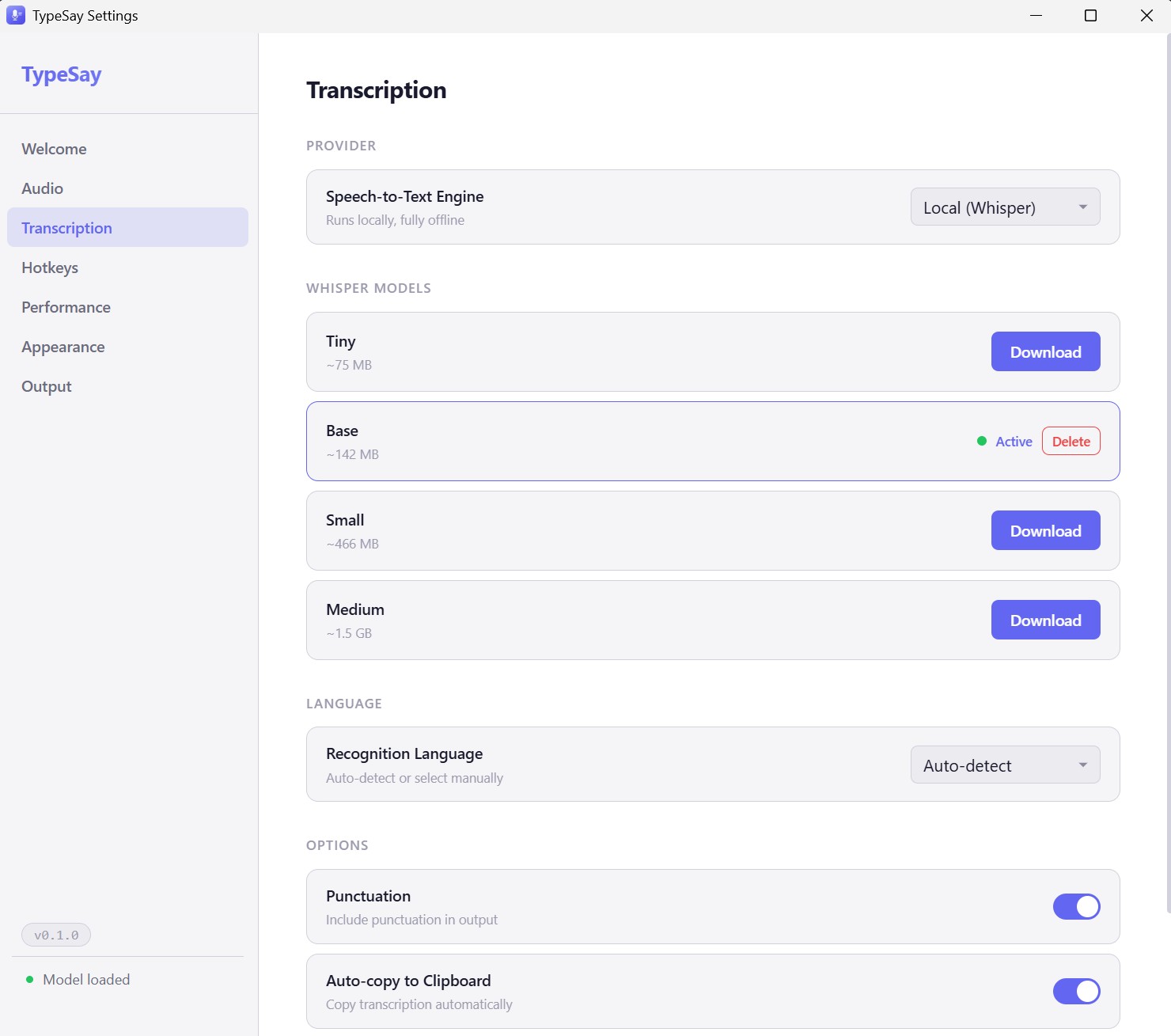
TypeSay runs OpenAI's Whisper model (via whisper.cpp) directly on your CPU or GPU. There are no API calls, no cloud services, and no internet connection required after the initial model download.
Four model tiers are available, letting you choose between speed and accuracy based on your hardware and needs. Models download automatically from HuggingFace on first use.
- ✓ Whisper AI (whisper.cpp) running locally
- ✓ No internet required after model download
- ✓ Four model tiers: Tiny, Base, Small, Medium
- ✓ Switch models without restarting
Push-to-Talk Global Hotkey
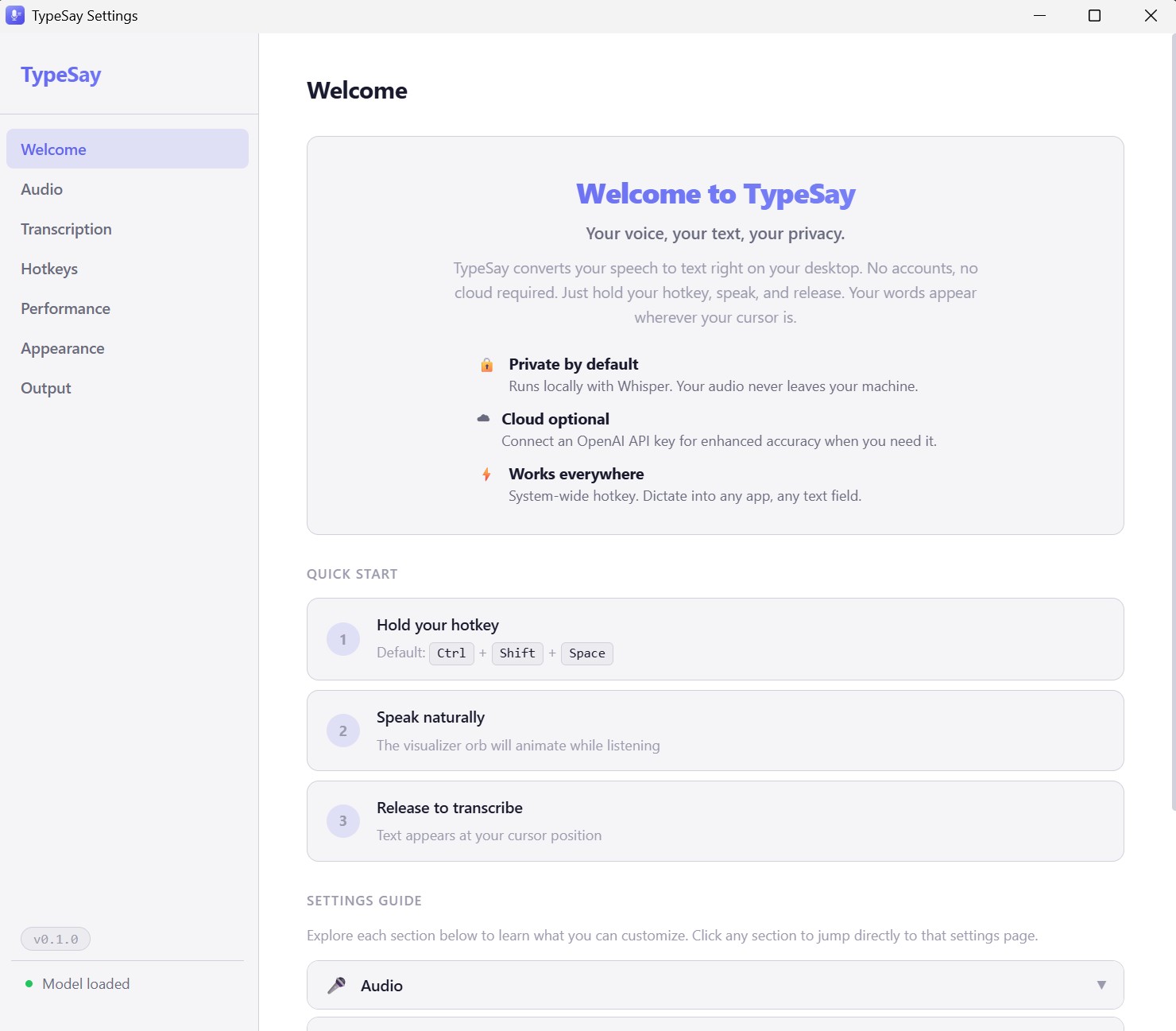
Hold the hotkey to record, release to transcribe. It works in every application on your system, from email clients to code editors to chat apps. The default shortcut is:
Ctrl + Shift + Space
You can customize the key combination to anything you prefer. TypeSay validates your shortcut in real-time to prevent conflicts with other applications.
Floating Visualizer Orb
An always-on-top animated orb floats above your work, giving you real-time visual feedback. See audio levels spike as you speak. Watch the orb shift between states: idle, listening, processing, and complete.
The visualizer renders at 60fps using Canvas 2D and supports two display modes: Orb and Pill. Customize its appearance from the settings panel.

Smart Text Insertion
TypeSay does not just transcribe. It actually types or pastes the result into your currently focused input field. Two insert modes are available:
- Type Simulation: Simulates keystrokes directly into the field via enigo
- Clipboard Mode: Copies text, auto-pastes, then restores your previous clipboard
Optional features include auto-copy to clipboard and a punctuation stripping toggle for clean output.
18+ languages with auto-detection
Whisper recognizes over 18 languages out of the box. Set a specific language manually or let TypeSay auto-detect what you're speaking.
Speed and accuracy by model
All benchmarks measured on a modern x86 CPU with 8 threads. GPU acceleration significantly improves these numbers.
| Model | Download Size | Speed (10s audio) | Accuracy | RAM Usage |
|---|---|---|---|---|
| Tiny | 75 MB | ~1 second | Good | ~400 MB |
| Base | 142 MB | ~2-3 seconds | Better | ~500 MB |
| Small | 466 MB | ~5-8 seconds | Great | ~1 GB |
| Medium | 1.5 GB | ~15–20 seconds | Best | ~2.5 GB |
Built with serious tools
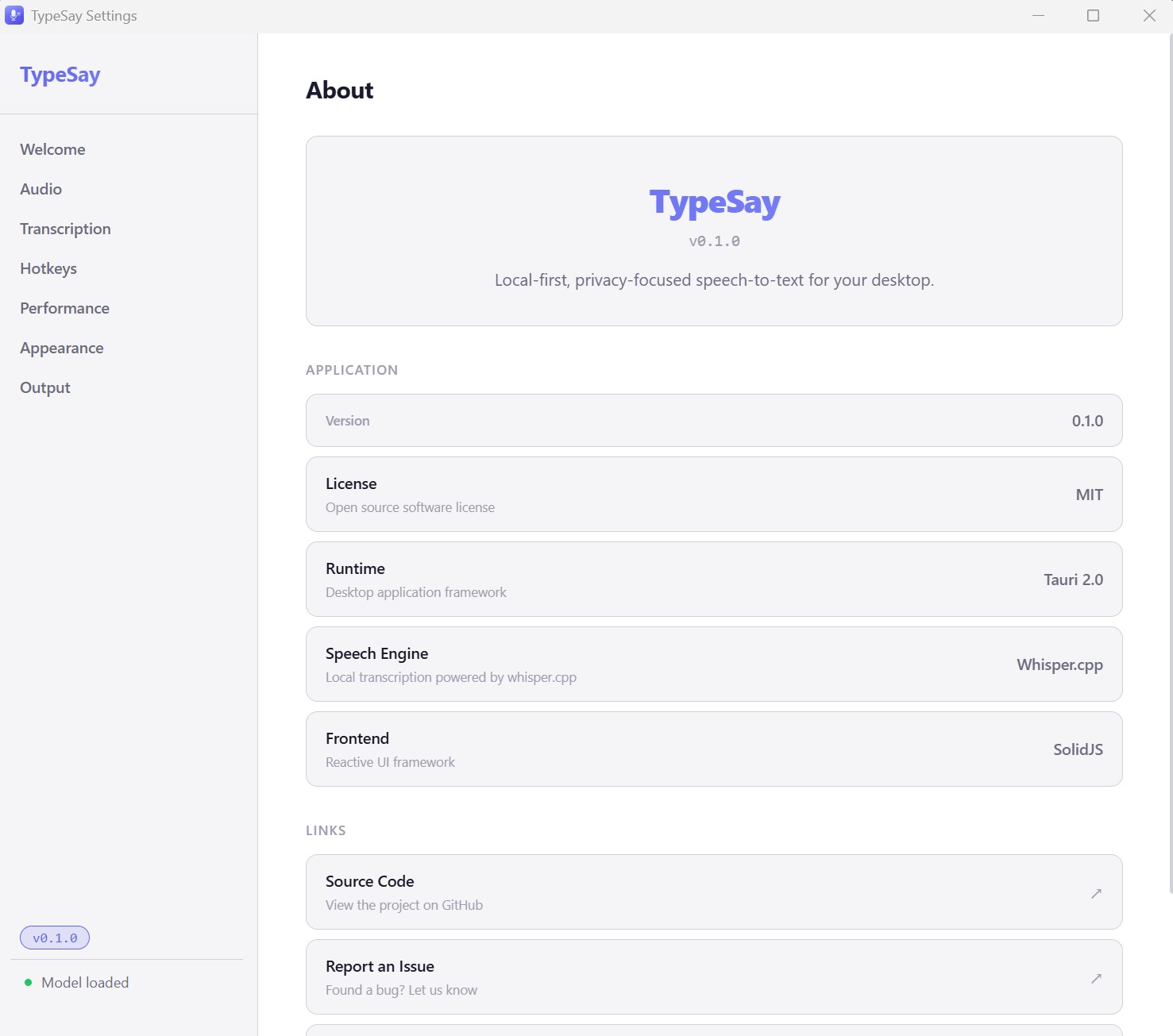
Tauri 2.0
Native desktop framework with a Rust backend. Produces ~5 MB installers with native performance and minimal resource usage.
Rust + whisper.cpp
The speech engine runs through whisper-rs bindings to whisper.cpp, giving you C-level performance with Rust's safety guarantees.
SolidJS Frontend
No virtual DOM overhead. The UI renders at 60fps with a ~7 KB runtime, keeping the visualizer buttery smooth even during transcription.
Get TypeSay today.
One-time purchase. No subscriptions. No cloud. Works on Windows, macOS, and Linux.
Try Free for 7 Days